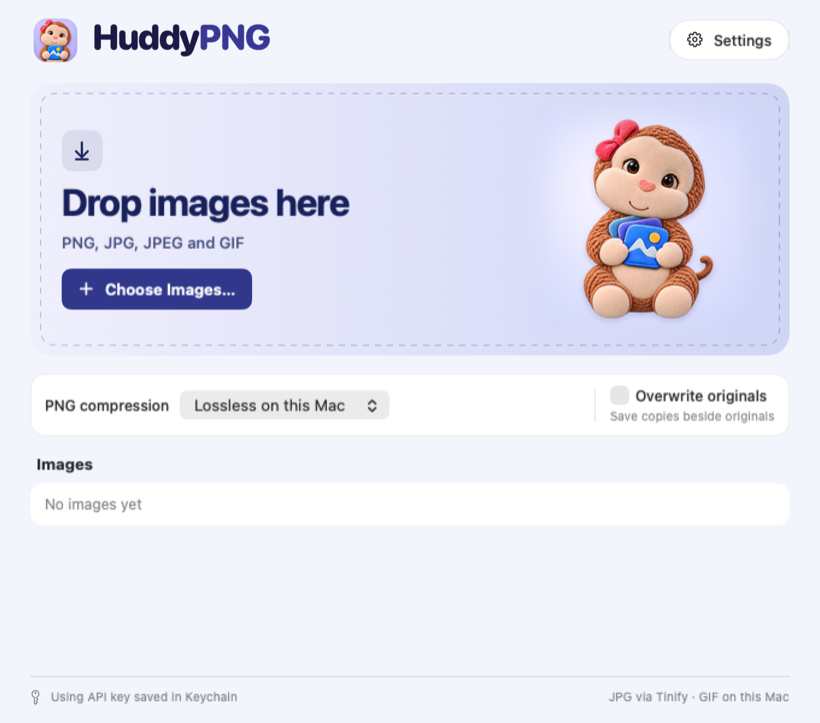

Image compression for Mac
Small files.
Big hugs.
Drop in a batch of PNGs, JPGs, or GIFs and see what a little squeeze can save.

Sample demo
Give it a squeeze.
See what HuddyPNG’s lossless mode did with a sample PNG. The demo uses a built-in image.
Gradient sample.png
Original688 KB
Compressed—
The Mac app
A quicker way to shrink a batch.
Drop your files
Add PNGs, JPGs, and animated GIFs together.
Choose how PNGs compress
Use lossless compression on your Mac or choose Tinify cloud with your own API key. GIFs stay on your Mac. JPG uses Tinify.
Save and see the difference
Keep compressed copies beside the originals or replace them. HuddyPNG remembers your choice and shows savings per file.